


Contents
Ready to simplify, scale, and grow?
Subscribe to get the latest workforce management and payroll news in your inbox.
Workforce compliance goes beyond day one inductions. Regulators and clients increasingly expect businesses to be able to show that people were paid correctly, and that they held the right qualifications and training for the work.
Workforce capability starts with operational visibility
If employee records sit across disconnected systems, you can be forced to make quick decisions with an incomplete picture. Site managers and payroll then inherit the gaps.
By connecting employee information to everyday scheduling, time capture, and pay processes, you improve visibility and prevent workers with missing records from being rostered and paid.
Build reliable employee records from onboarding
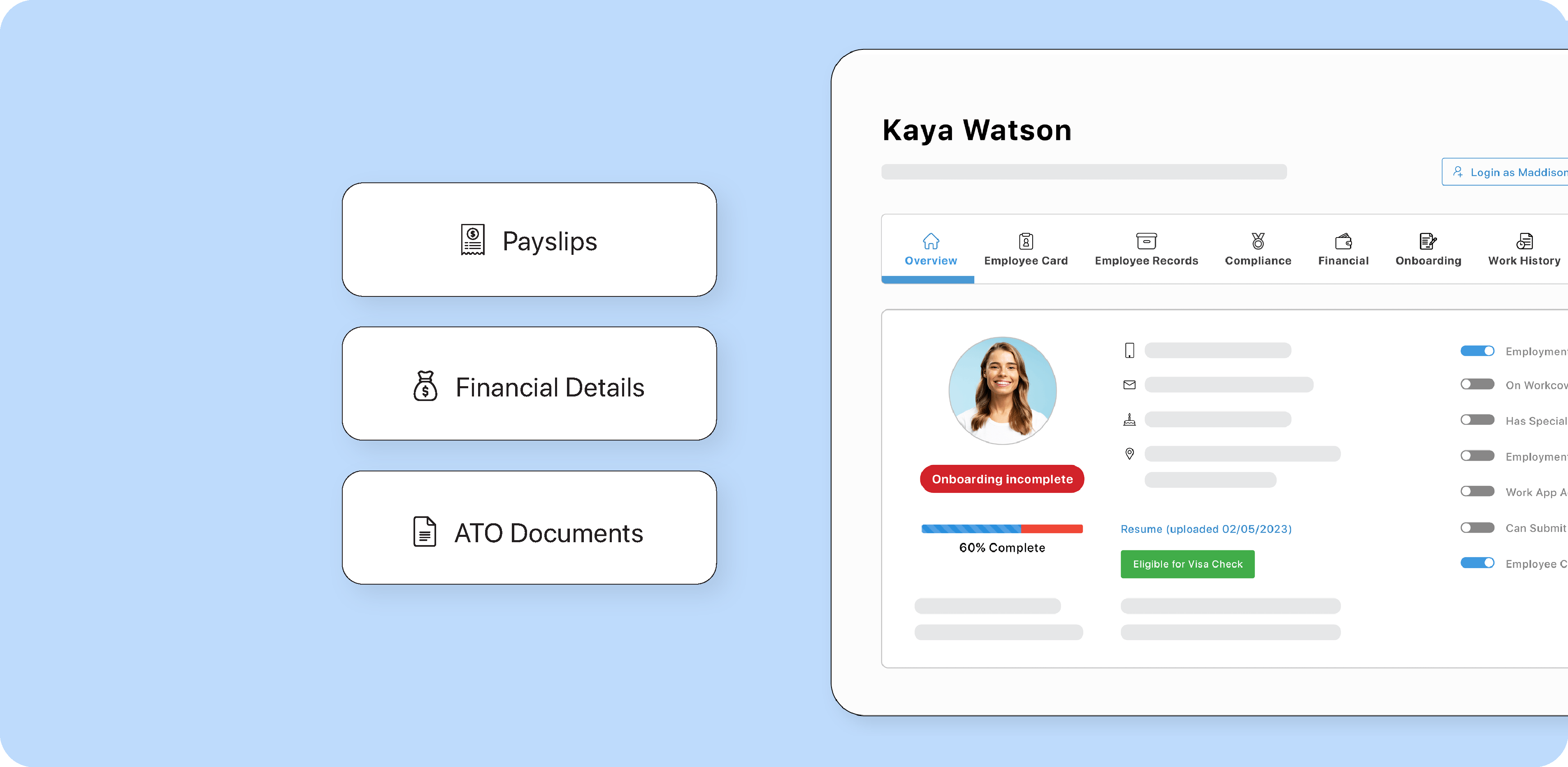
Onboarding is the first opportunity to establish a dependable employee record. Capture position details, employment arrangements, relevant agreements, and qualifications, then store the information in an accessible location.
In a combined workforce management and payroll system like foundU, information can be collected during digital onboarding journeys and stored against employee profiles. This reduces repeated data entry, manual sign-offs, and onboarding delays.
Reliable employee profiles then support you in making better deployment decisions. They also provide the correct context for automated payroll calculations. Maintaining information in a central system, rather than across spreadsheets, benefits both operations and payroll.
Keep role changes connected to pay
Your workforce management and payroll system should be updated as employees take on different duties, move between venues, gain a new qualifications, or begin working new positions. You can easily track these updates by adjusting employee records, positions, pay rates, and applicable payroll configurations.
Do not assume the settings selected at onboarding will always be correct. Check that the recorded position and classification reflect the work being performed.
Also keep effective dates and supporting documentation clear. In foundU, the employment history and position changes report can trace positions and pay rates over time. The history helps explain transitions without confusing previous arrangements with current ones.
Use the roster as a compliance checkpoint
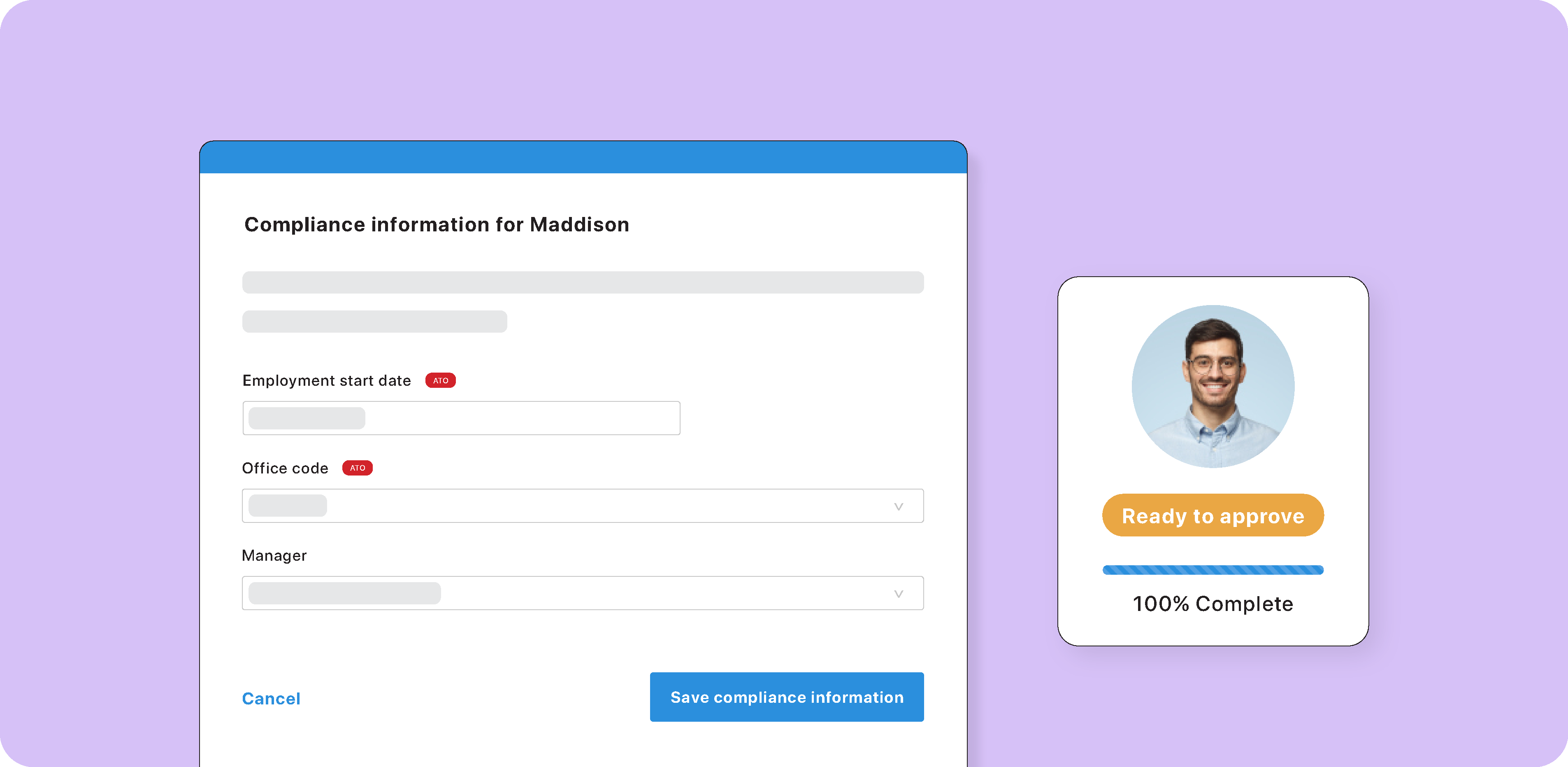
The roster is where a missing licence or expired induction becomes a real risk. It's also one of the most practical places to catch lapsed information. In a system like foundU, you can block workers with expired or incomplete records from being scheduled. You can also set different conditions for each site. For example, a forklift operator may need to meet different safety requirements to operate in an indoor warehouse versus at an outdoor event.
Simply attach required compliance records and tags to a roster, such as a site induction or a high-risk work licence. Then, only employees who hold them can be assigned. Managers can see exactly which records are missing for blocked workers and what needs to be resolved. Additional requirements can also be set at shift level, so a specialised task can call for an extra requirement without changing the rules for the whole site.
Maintain employee records over time
Most qualifications need renewing, so keep records current by setting up notifications that:
-
Send reminders before and after a record expires.
-
Alert the employee, their manager, and any nominated admins.
-
Flag when an employee uploads an updated record, so they can be rostered again once compliant.
Training completed in an integrated learning management system can also flow straight into the employee record, reducing manual uploads. If a regulator, inspector, or client asks for evidence, records can be downloaded in bulk or reviewed on individual employee profiles.
Remember that technology does the checking and clear ownership keeps it working. Define who maintains compliance records and follows up expiring qualifications.
Review the setup as the business grows
Adding a venue, contract, or employee group can introduce different working arrangements and compliance requirements. Revisit payroll rules, roster requirements, and approval processes as your business structure becomes more complex.
Regularly sample employee records and follow them through to payment. Look for outdated positions, missing or expired documentation, and recurring handoff problems.
Building reliable records over time
Capturing and maintaining accurate employee records doesn't have to become an admin burden. Using a combined workforce management and payroll system, you can easily maintain your database.
Explore the broader topic in the on-demand building a compliant and capable workforce webinar.
Book a demo to see how you can more easily manage your employee records.