![foundU logo - inverse.png]](https://www.foundu.com.au/hs-fs/hubfs/foundU%20logo%20-%20inverse.png?height=40&name=foundU%20logo%20-%20inverse.png)
There are three easy steps to invoicing on foundU – Generate, Review, Issue.
But before you can generate invoices, there’s a few things to set up and that’s what we’ll cover here!
Invoice settings are easy to configure in the Operations component of the platform.
Operations > Approved Operations > Select an Operation > Quick Settings
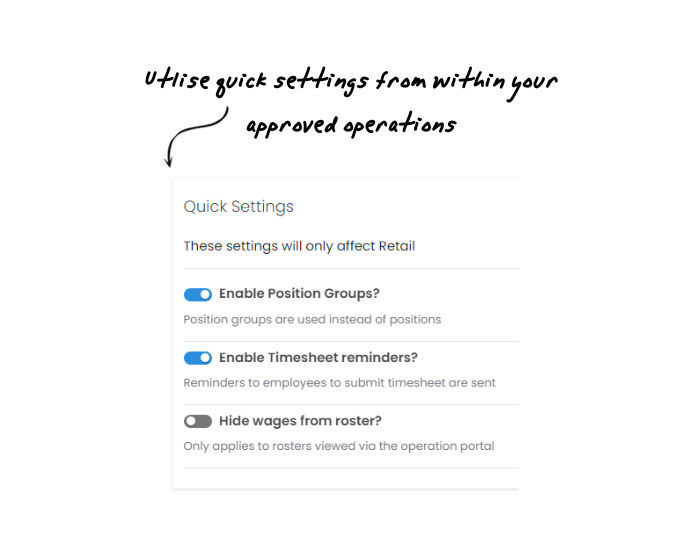
There are multiple options for how you want to organise your invoices for your clients. You can:
- Split invoices by purchase order
- Group invoice line items by the employee
- Set as a ‘no-charge’ Operation
- Include date on invoice line items
- Invoice for TOIL
- Invoice for entitlements
You can also easily customise your invoice reference & ID numbers.
Now you’re good to go!
The data for Invoices comes from your pay data, so make sure you have finalised your pays before generating Pending Invoices.